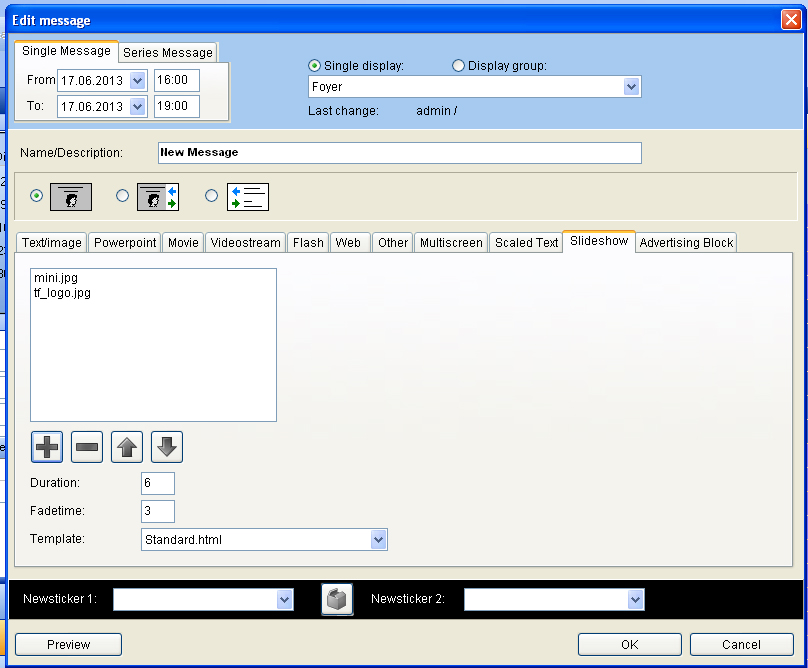
Playing of slide show
Pictures which were saved in the index c:/VICOMVisGuide/Media can be played as a slide show. Choose the flag “slide show” in the window “edit message”. You can add a picture with the “plus button” and delete it with the “minus button”. By using the arrow buttons you can alter the sequence of the pictures. In the box “length” you can determine how many seconds you want the picture to be shown and in the box “cross fading” you determine the length of time until the next picture will be shown.