Automatic switching on/off of monitors
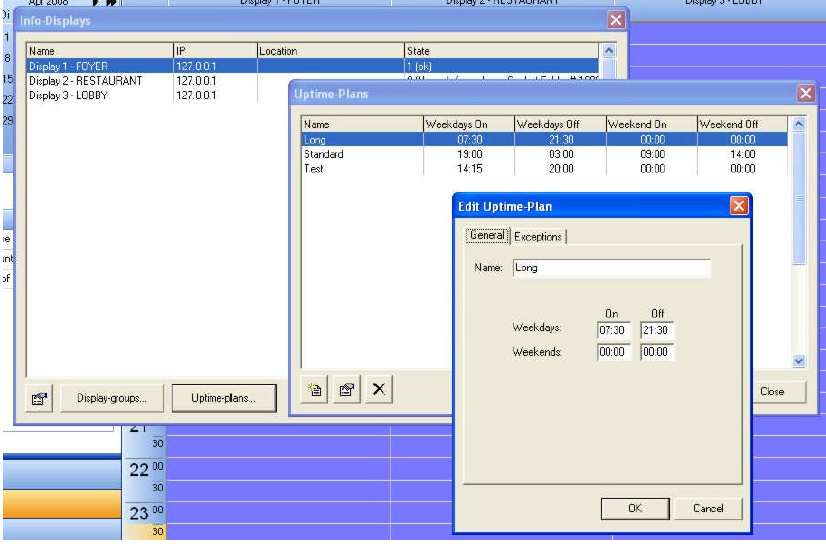
By selecting the drop down menu “Edit” follow by “Edit displays” you will get a window with information about your info-displays.
By pressing “Uptime-plans…” an additional window will show up. It will show all defined uptime plans. Each plan can assign to one of the monitors. With that function the monitors can be turned on and off by the program. The operator has the chance to create a new uptime plan including all kind of exceptions and to give this plan finally a name. All monitors – info display and VisDoor door displays – can use the uptime plans. But entries in the program list have priority. Example: the uptime plan turn off a monitor at 6 pm. But there is a entry “Welcome Mr. Smith” assigned until 9 pm. In that case, the monitor will show the message until 9 pm an will turn off then.