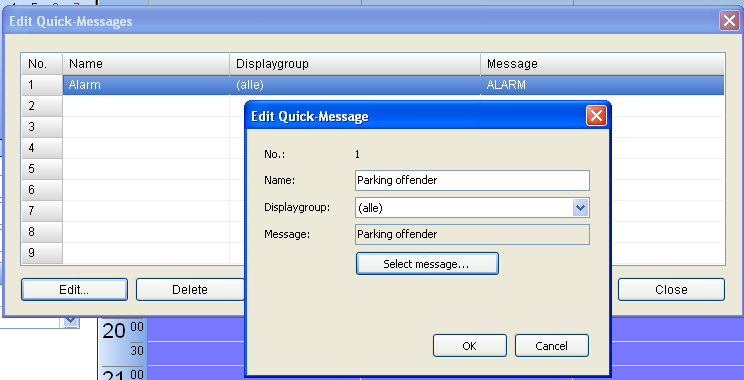
Creation of quick-messages
Quick-messages are intended for un-scheduled events (e.g. alarm, search request…). They will be sent immediately to one or more displays. It would be wise to determine in advance which quick-messages might be necessary, to save them in advance in the “message template”. Thus, in case of an emergency, the quick-message with necessary rules of conduct and directives regarding emergency exits can be displayed without loosing precious time.
Open the menu “editing” and choose “edit quick-messages”. Click on “edit” and choose one of the saved message templates with the button “select message”. Of course you can also create a new message or alter an existing one.