Display overview
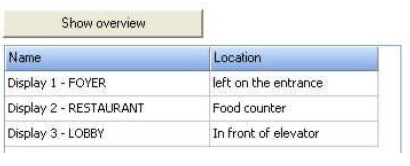
The display view is located underneath the calendar. All displays are shown here. They are named and the location is marked. The configuration of the displays with the required integration into the VisGuide architecture has to be realised by a technician. By clicking the button “Show overview” all displays for the current day are shown on the right hand side. By clicking on the indiuvidual display, the weekly overview for it is shown on the right hand side.