Modify Time Axis
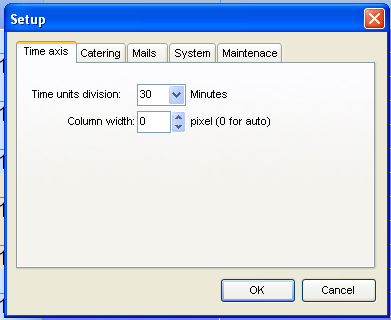
Select “Setup…” in the File-menu. The first flag is “time axis”.
Now it is possible to select 5 different views. The selected view is automatically adapted by the monitor. The column width can be set by entering the required no. of pixels. As soon as “=0” is entered, the number of monitors is arranged equally across the whole monitor. That guarantees the optimal allocation. The corresponding picture is called “calendar settings”