Guide symbols
In the bottom part of this window you will see the used displays and guide symbols. With a double click you can edit these. These concern the arrows and instructions regarding the guiding system, which is integrated automatically. When a conference room booking will be shown on the large display monitor it will automatically be with an arrow. The direction of the arrow can be defined here.
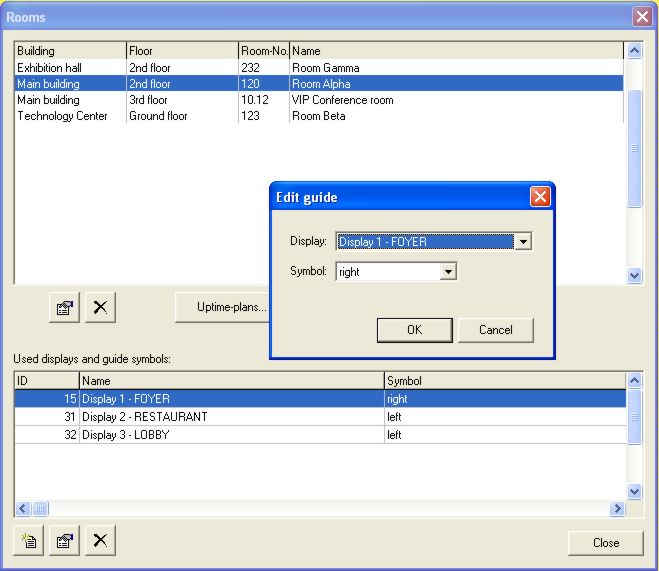
For example, a customer enters a hotel lobby and notices the large monitor with the conferences of the day. He will see immediately through the arrows that room Alpha, where his conference will take place, is on the left hand side. When moving on to the lift a second monitor will show that he has to take the lift up to the third floor to get to room Alpha. This kind of information can be lodged here.