Integration of a Movie File
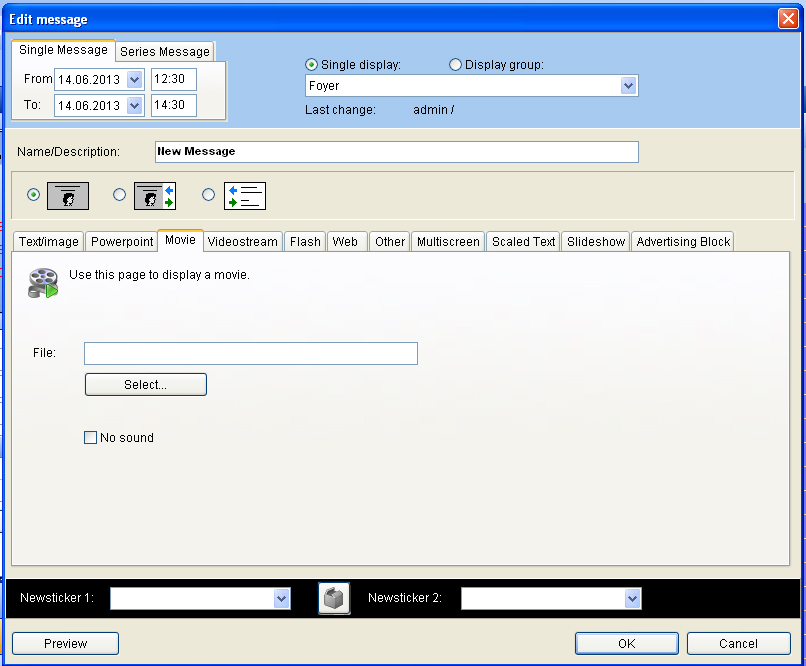
Go back to the menu “change” and select the flag “Video”. By clicking “select” a video file can be selected. It is required to save it under C:/VICOMVisGuide/Media.
Video files in the format avi, mpg, mov and wmv can be played. VisGuide is configurued so that video files can be shown in full format. Please note that the resolution of the video files are of good quality. The reduced resolutions which were reduced for Internet puroposes are not good enough for a qualitative play back.