Catering
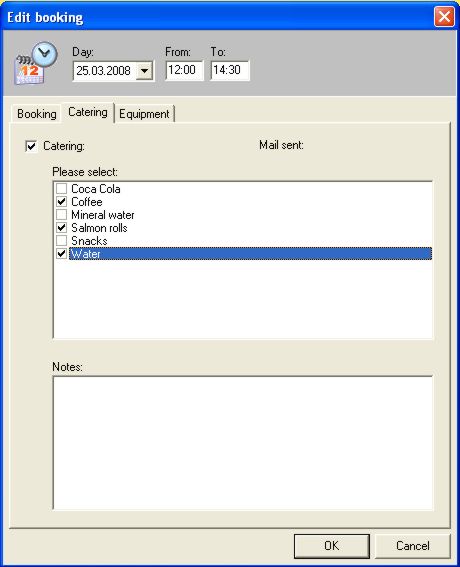
In catering the operator can order food and drinks with a couple of mouse clicks. When clicking on catering, a selection on menus will open and standard drinks and food can be ordered. The number of attendees has already been mentioned in bookings. This means catering already knows about the necessary amounts.
In notes you can add additional information for catering such as “Please prepare champagne reception for the guests at 9.00 h.”
Change catering selection
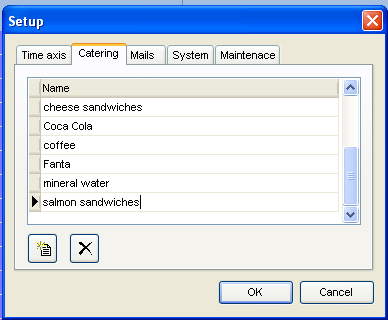
Select “Setup…” in the File-menu. The second flag is “Catering”.
Here, global entries for the entire conference center can be made. All kind of drinks and food can be implemented and updated anytime. Just use the 2 symbol-buttons to handle everything.
This function is supported only with the room booking module.